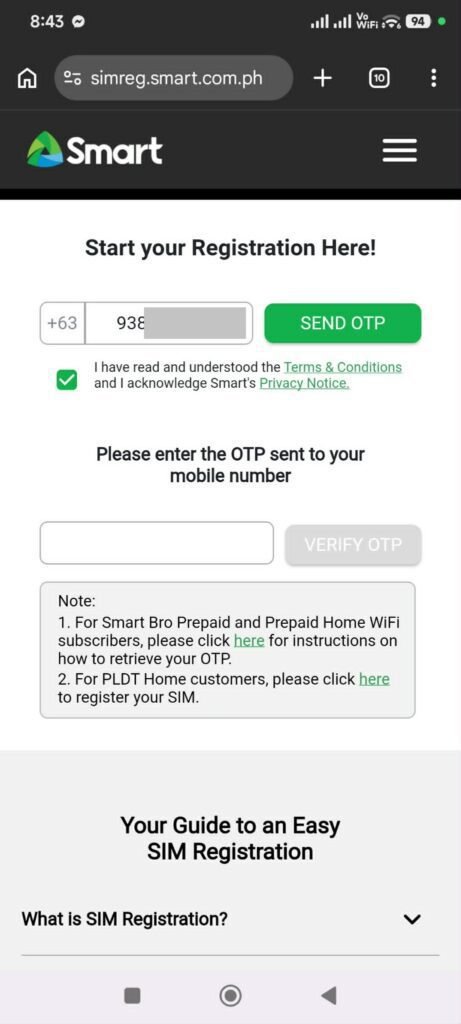
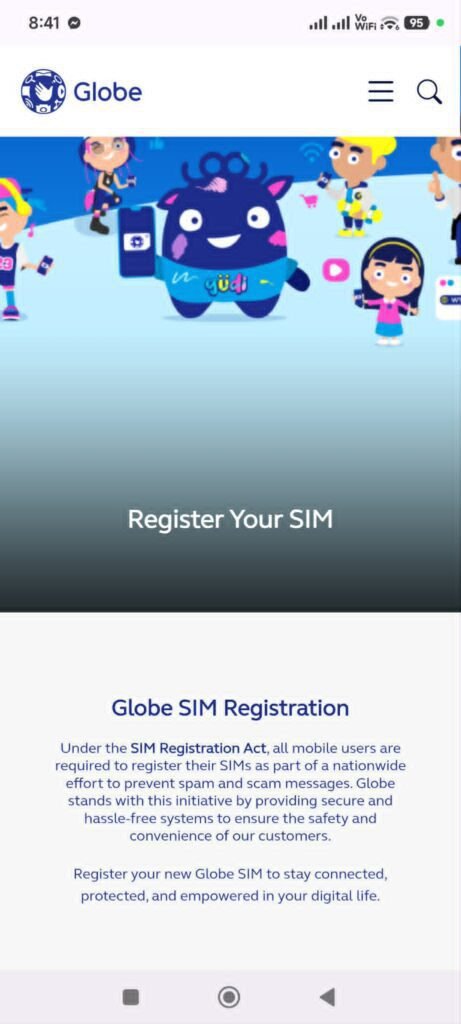
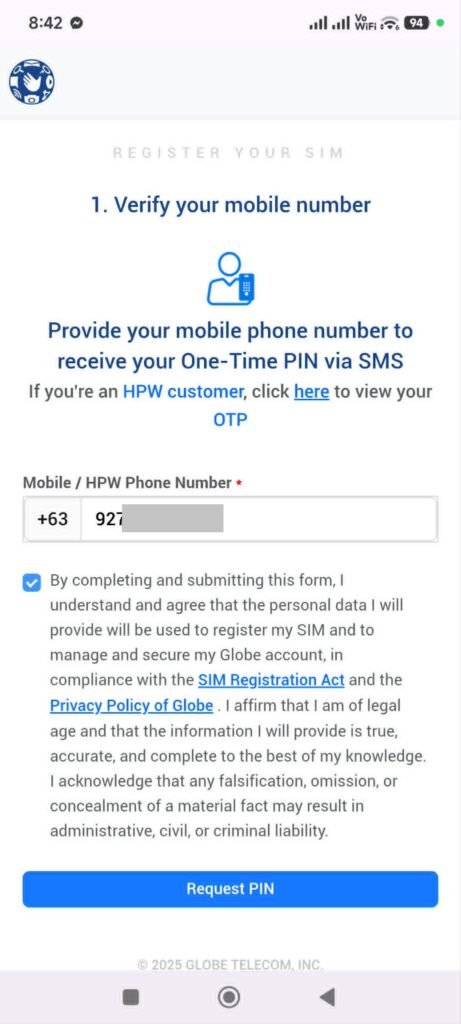
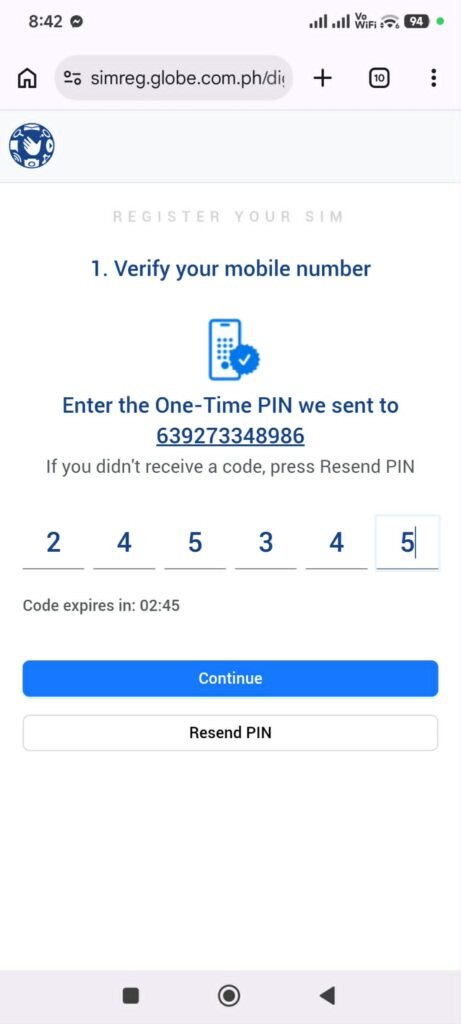
If you’re searching for a sim registration Philippines guide, you probably want to activate your SIM card properly or avoid service interruption. Many users still get confused about the process because each network provider has different registration methods.
In this guide, you’ll learn the official registration process for Smart, TNT, Globe, TM, and DITO users. You’ll also discover the requirements, common mistakes to avoid, and tips to complete registration smoothly.
Quick Summary
This sim registration Philippines guide explains how to register your SIM card using the official platforms of Smart, TNT, Globe, TM, and DITO. The process requires valid identification, personal information, and verification before your SIM can remain active. You’ll learn the exact steps for each network, how to avoid common errors, and what happens if you fail to register. Understanding the process helps protect your number, prevent deactivation, and improve account security.
Using the official app helps ensure a safer and smoother registration process.
Common SIM Registration Problems
Some users experience issues during registration.
Common problems include:
Blurry ID uploads
OTP not received
Weak internet connection
Incorrect information
Most issues can be solved by retrying with a stable connection and clearer photos.
What Happens If You Don’t Register Your SIM?
Unregistered SIM cards may be deactivated.
Once deactivated:
Calls and texts stop working
Mobile data becomes unavailable
Your number may become unusable
To avoid inconvenience, register your SIM as soon as possible.
Tips for Faster SIM Registration
To make registration easier:
Prepare your ID in advance
Use a stable internet connection
Take clear photos in good lighting
Review all details before submission
Simple preparation can save you time.
FAQs
Is SIM registration mandatory in the Philippines?
Yes, all SIM users are required to register their SIM cards.
Can I register my SIM online?
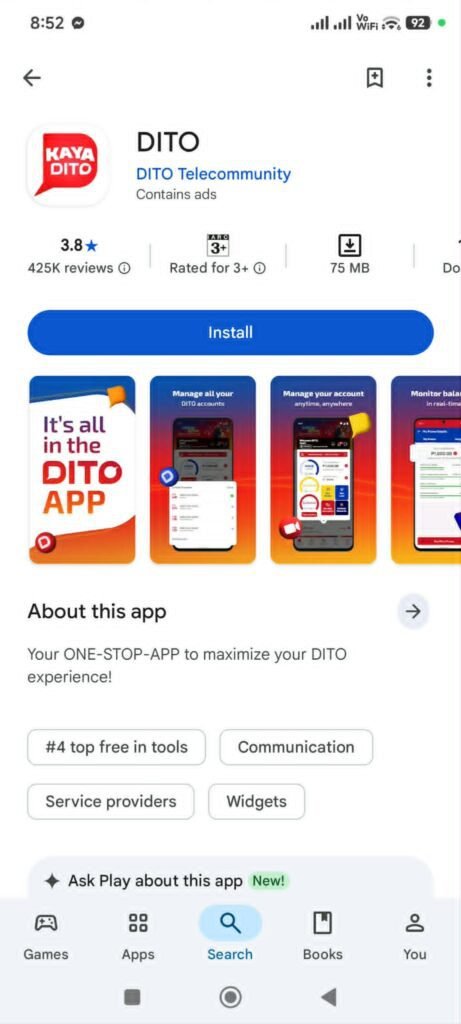
Yes. Smart, TNT, Globe, and TM users can register online, while DITO users register through the official app.
What IDs are accepted for SIM registration?
Government-issued IDs such as UMID, passport, driver’s license, and PhilHealth ID are commonly accepted.
How long does SIM registration take?
It usually takes only a few minutes if your requirements are complete.
What happens if I don’t register my SIM?
Your SIM may be deactivated, which means you can no longer use calls, texts, or mobile data.
Conclusion
SIM registration is now an important part of keeping your mobile number active and secure. By following the correct process and using the official registration platforms, you can complete everything quickly and avoid unnecessary issues.